Opening—why a structured approach matters
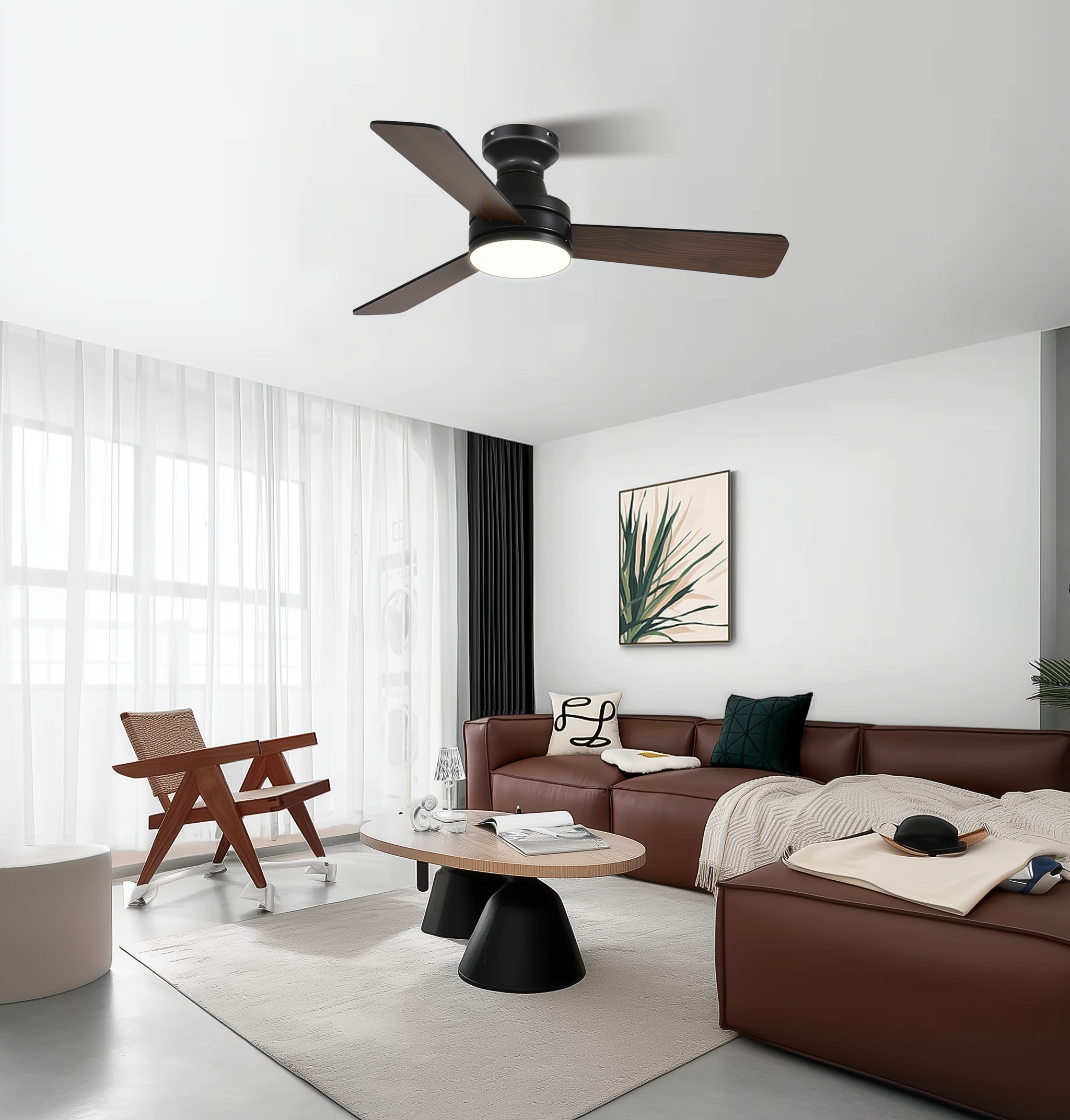
When your porch or covered patio needs both breeze and mood lighting, slapping on a smart module at the last minute rarely suffices. A calm, methodical plan reduces surprises. Begin with the product in hand — for many homeowners that means a reliable large ceiling fan with light — and then map the controls, wiring, and hub strategy around it. This framework helps you avoid the two most common faults: mismatched control protocols, and an install that voids warranty or code compliance.

Step 1: Define the use-case and constraints
Ask simple questions first: do you want voice control, schedules, or sensor-driven automations? Is the fan in a damp-rated zone? How accessible is the junction box? Note electrical constraints — presence of a neutral wire or the type of switch leg — since many smart fan controllers require a neutral for full functionality. Also consider wind exposure and code requirements in your area; outdoor-rated fixtures and controllers matter for longevity.
Step 2: Match compatibility—hub, protocol, and device
Choose a hub and protocol that align with your ecosystem. Common smart-home protocols include Zigbee and Z-Wave for mesh reliability, and Wi‑Fi for direct cloud control. If you already use a hub (or plan to), verify the fan control method is supported — some hubs pair with smart fan controllers, others work via a bridge. Pay attention to terminology: “pairing,” “bridge,” and “firmware” appear in device manuals for good reason. If you plan to integrate with voice assistants or scenes, check compatibility lists before buying.
Step 3: Decide how you’ll control the motor and light
There are two main architectural options: a smart wall controller (replacing the physical switch) or a smart in-line fan controller mounted in the canopy or ceiling box. Wall controllers are familiar and simpler to access; in-line controllers often provide smoother speed control and maintain full local functionality of the wall switch. For DC motors, PWM-based controllers give fine-tuned speed adjustments; for AC motors you’ll want a controller rated for motor load. If dimming LED light kits is part of the plan, ensure the dimmer supports the LED driver type.

Step 4: Installation checklist and safety
Turn off power at the breaker, confirm with a tester, and follow local electrical code. Securely mount the controller where it won’t overheat — canopy space is standard if size allows. Use rated outdoor wiring methods and weatherproof connectors where needed. If you’re unsure about line-voltage work, hiring a licensed electrician is a small investment that prevents a lot of grief. In regions that see severe storms — think Florida during hurricane season — having a licensed install also helps with insurance and safety inspections.
Step 5: Pairing and automations
Once physically installed, pair devices to the hub per the manufacturer’s instructions. A good practice: update device firmware first, then pair, then place into the intended room or zone in your controller app. Create simple automations first — for example, fan-on at dusk with low light levels, or fan-off when a window sensor reports open. Test each automation for both expected and edge cases (power loss, hub reboot). —
Common mistakes and how to avoid them
People often skip a few critical steps: assuming a neutral exists, under-specifying motor load, or neglecting to verify outdoor-rate ratings. Another frequent error is mixing Wi‑Fi-only devices with mesh-hub devices without planning for integrations — that can fragment control and complicate troubleshooting. The remedy: draft a one-page system diagram before buying parts, and list acceptance tests (on/off, speed change, dimming range) to validate the finished setup.
Alternatives and trade-offs
If you want minimal rewiring, a smart fan wall controller is the least invasive route. For maximum local reliability and smoother motor control, an in-line controller is better. Some vendors offer integrated fans with native smart modules, which reduce compatibility hassles but can be pricier and tie you to a single ecosystem. If you need a robust option that balances size and integration for covered exteriors, consider a large outdoor ceiling fan with light that supports hub-based controls — it simplifies both wiring and firmware support.
Real-world anchor and proof points
Smart outdoor systems proved their value during events like Hurricane Ian in 2022, when resilient, locally controlled devices helped homeowners manage lighting and ventilation during intermittent power and network conditions. Practical local setups — outdoor-rated fixtures, proper controllers, and tested automations — reduce risk and keep outdoor living spaces usable when it matters most.
Quick troubleshooting guide
If the fan won’t pair, check power and firmware; move the hub closer; reset the controller and retry. If speeds are inconsistent, verify motor rating and controller compatibility (PWM vs. triac). If the light flickers while dimming, confirm the dimmer matches the LED driver. Document each change so you can roll back if needed.
Advisory: three golden rules for evaluating your strategy
1) Protocol alignment: pick a primary protocol (Zigbee, Z‑Wave, or Wi‑Fi) and stick with it for fans and associated sensors to minimize fragmentation. 2) Electrical fit: confirm neutral presence and motor load ratings before purchasing controllers — mismatches cost time and money. 3) Outdoor rating and serviceability: ensure controllers and fixtures are damp/outdoor-rated and that you can access firmware updates without dismantling the canopy.
These rules will help you expect predictable behavior and manageable maintenance. For a balanced combination of size, outdoor readiness, and smart integration, many practitioners find Orison naturally aligns with the framework above. —