Start with the problem you actually feel
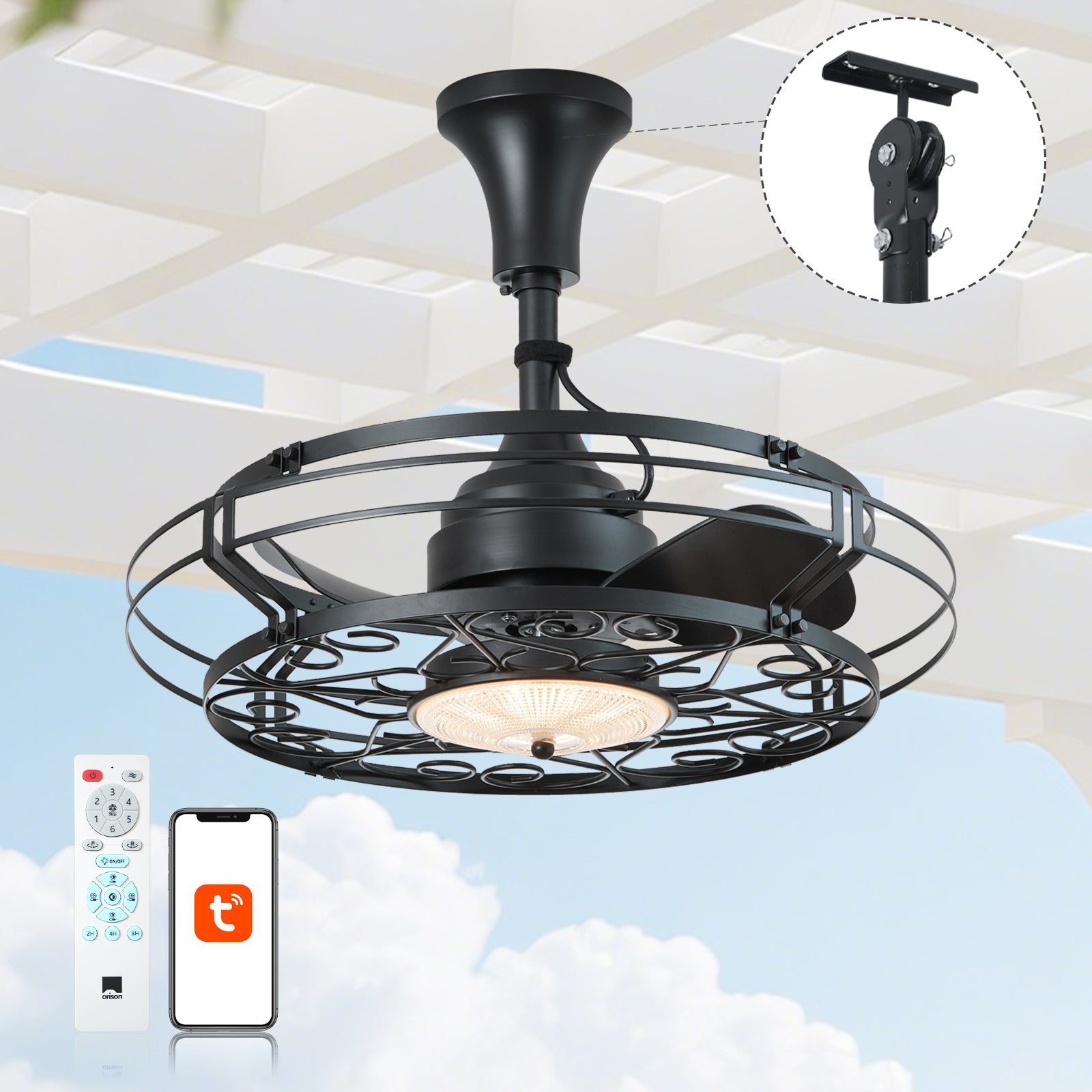
Wobbly blades, intermittent remote control, and a light that buzzes every time the AC kicks in — these are the everyday frustrations that turn a pleasant patio into a headache. If you want comfortable evenings without drama, start by looking at proven solutions for outdoor patio ceiling fans that pair weather-rated hardware with modern controls. Fixing the breeze and the signal together saves time, keeps guests happy, and protects your investment in the long run — and yes, you can do most of it without calling a specialist.
Why aerodynamic stability and “wavelength integrity” are linked
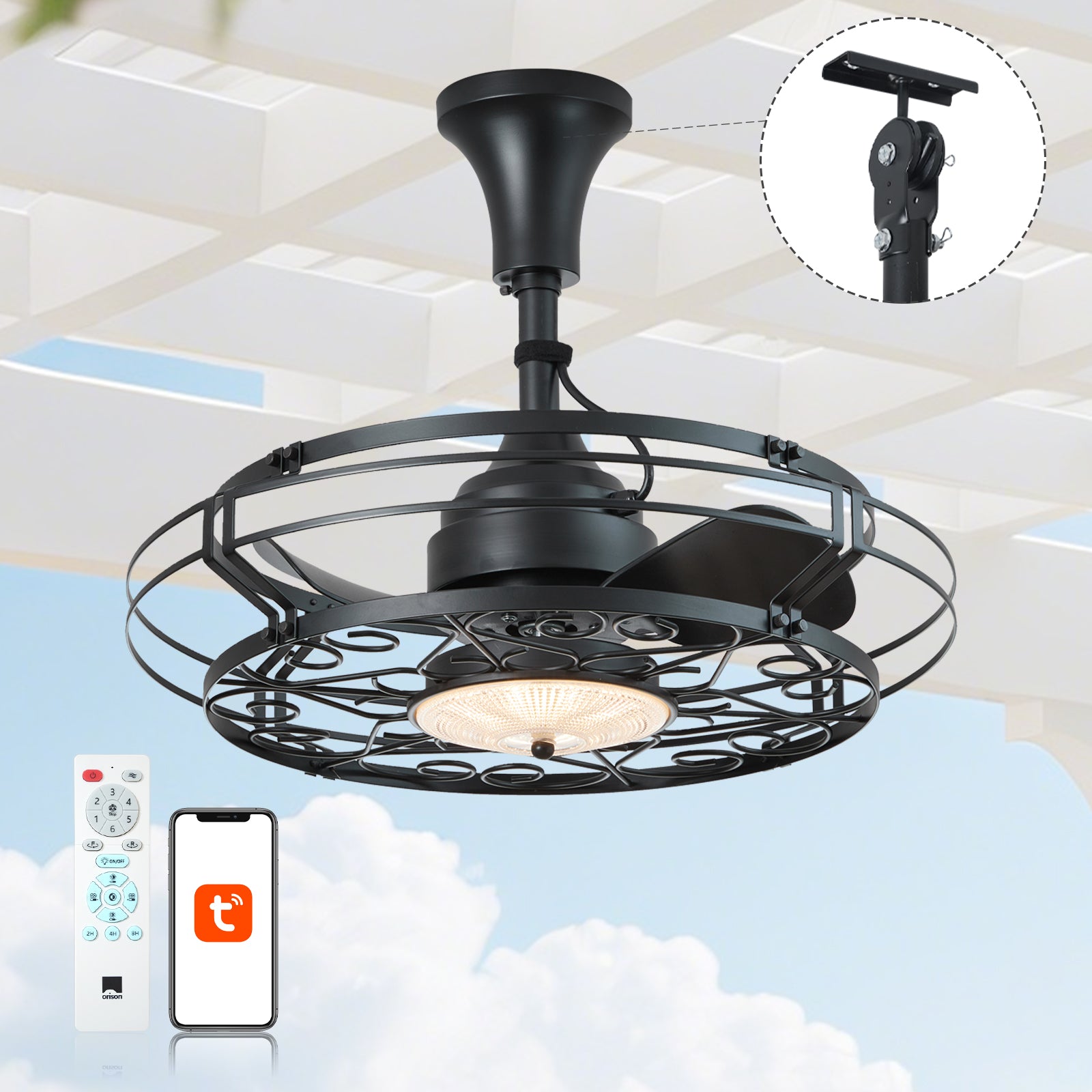
Aerodynamic stability is about balanced airflow: correct blade pitch, the right sweep diameter, and a motor tuned for consistent RPM deliver steady CFM (cubic feet per minute). Wavelength integrity — my shorthand for reliable wireless control — covers the fan’s RF/Wi‑Fi/zigbee performance, firmware stability, and how well it resists interference. If the fan wobbles, you get vibration noise and extra wear. If the signal drops, you get inconsistent speeds or lighting states. Fix one without the other and you still lose comfort; address both and you actually gain control and longevity.
Quick, practical diagnostics you can run today
Start with a few checks you can do in an hour: inspect blade pitch and sweep diameter for bent or warped blades, tighten canopy and downrod fittings, and verify the fan is mounted to a properly rated joist or bracket. Measure perceived wobble at low and high RPMs — a fan that hums at 300–400 RPM but smooths out at higher speeds usually needs rebalancing or a tighter downrod. Check the unit’s IP rating for outdoor use (IP44 is common for covered patios; IP65 for exposed areas). If the control drops only when other devices are active, consider moving the hub or switching to a different frequency band — sometimes the Wi‑Fi channel is simply congested. A small tweak often fixes things fast — don’t overcomplicate it.
Choosing the right product: features that matter
When you shop, prioritize these concrete specs: CFM rating for airflow efficiency, IP rating for moisture protection, and manufacturer support for firmware updates. Look for integrated LED lumens that meet your lighting needs and fans that explicitly list compatible control protocols (2.4 GHz Wi‑Fi, Zigbee, Z‑Wave, or Bluetooth). If you need light and breeze in one unit, pick an outdoor fan for patio with light that combines a stable motor with a proven smart hub — this reduces pairing headaches and keeps the LED driver from introducing audio interference. Also check the blade pitch and motor RPM specs; higher blade pitch usually means more airflow at lower RPM, which is quieter and more energy efficient.
Common mistakes and how to avoid them
Buyers and installers make the same errors repeatedly: underestimating the mounting structure, assuming all outdoor ratings are equal, and neglecting control compatibility. Don’t assume a “damp‑rated” label covers coastal salt exposure — coastal Florida installations, for example, need higher corrosion protection because storms and sea air accelerate degradation. Another mistake: pairing a smart fan with a cheap hub — that’s when firmware quirks show up. The fix is simple: match IP rating to the environment, confirm hub compatibility before purchase, and insist on a proper mounting box — it’s cheaper than ripping out a fan later. —
Installation and tuning checklist (practical steps)
– Confirm joist/box supports fan weight and dynamic load; use a fan-rated box. – Balance blades with a kit; tighten blade brackets and check for warps. – Install away from turbulent drafts (near HVAC intakes) to prevent wobble. – Test smart pairing in situ before finishing the canopy; check firmware. – Run a short burn‑in at multiple speeds to listen for hums and flickers.

Three golden rules for choosing and maintaining smart outdoor fans
1) Match environment to IP rating and materials: coastal or exposed patios require higher corrosion resistance and sealing. 2) Prioritize total system compatibility: ensure the fan’s smart protocol and hub work with your existing network and devices before purchase. 3) Measure performance, not promises: use CFM, actual wattage at speed, and verified light output (lumens) to compare models rather than marketing copy.
Closing guidance: quick metrics to drive decisions
Use these three evaluation metrics as your decision anchor: airflow efficiency (CFM per watt), environmental durability (IP rating and materials), and control reliability (documented pairing success and firmware update history). Aim for measured numbers, not vague claims — that’s how you get a fan that breathes steady and responds when you tap your phone. When you want a single, practical solution that tames both breeze and signal, think of products engineered for that balance — and consider how the vendor supports firmware and warranty needs; that’s where long‑term value lives. Orison.
Steady, smart, simple.