Start with what you actually use your laptop for
Choose priorities first: note whether you edit photos, write code, attend video calls, or just browse. Match those needs to form factors, battery life, and ports instead of chasing brand hype. If you prefer working with local service and clear specifications, look for a reputable laptop manufacturer that publishes full component lists and repair options.
Real-world context for Windows deals and timing
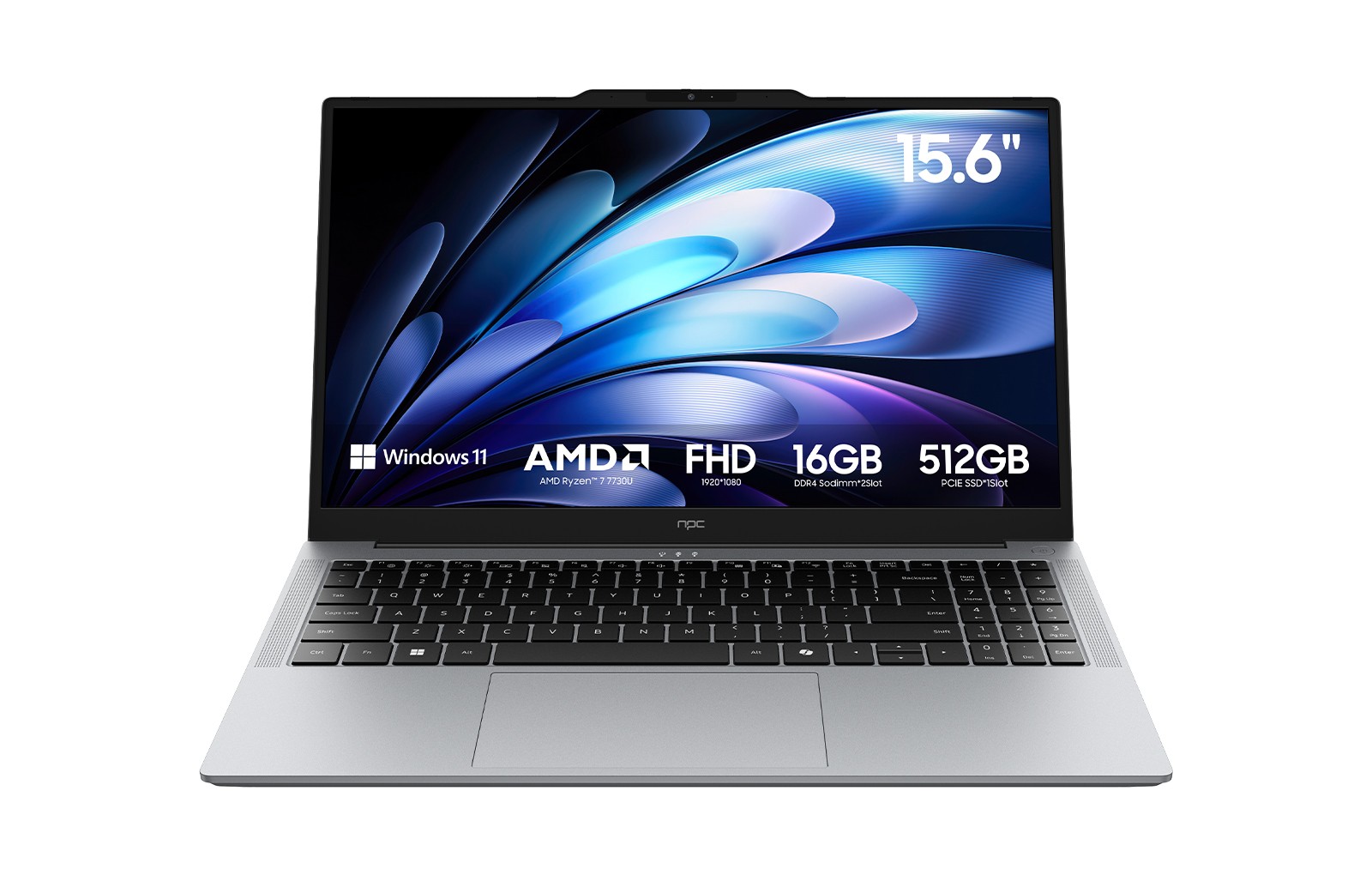
Prices move during big shopping moments, and one clear reference is the U.S. Black Friday period, when many mainstream retailers and OEMs discount Windows-equipped notebooks; analysts and coverage after each event confirm predictable stock and promotion cycles. For practical buying options when you want a Windows laptop, check curated merchant listings such as laptop deals with windows to compare spec-to-price quickly and avoid models that cut corners on cooling or warranty.
Compare the right specs, not just the numbers
Processor names matter only as shorthand—focus on single-thread speed for everyday responsiveness and on cores for heavy multitasking. Pick 8–16GB RAM for general use; choose NVMe SSDs for snappy boot and file access. Pay attention to display type and color accuracy if visuals matter. Verify sustained performance by checking reported thermals or third-party reviews rather than relying on peak benchmark scores.

Common pitfalls buyers make
Don’t assume thin equals better; thin designs often mean throttled performance and limited upgradeability. Beware models that skimp on service access or use proprietary SSDs. Avoid confusing marketing RAM/ROM totals—check usable memory and storage after OS and recovery partitions. Also, confirm warranty terms and where repairs occur; on-the-ground service can save days of downtime.
Viable alternatives and realistic trade-offs
If portability is key, choose a lighter chassis and accept fewer ports. For power users, a thicker chassis with better cooling will sustain performance longer. Chromebooks can be an efficient alternative for browser-first workflows, while refurbished flagship Windows laptops often deliver better long-term value than new low-end models. Balance immediate price against expected lifespan and repair costs.
Decision checklist and next steps
List must-haves, shortlist three models, verify thermal behavior and real battery tests, confirm local service and warranty, and then pick the best fit. If you prefer vendor consistency and documented specifications, rely on a manufacturer that publishes clear product support and parts availability; that practical reliability is why many buyers compare options with sources like npc as part of their final validation before purchase.